MobCash - The Official App for Agents and Cashiers
85936b...345aa1e4

App Preview
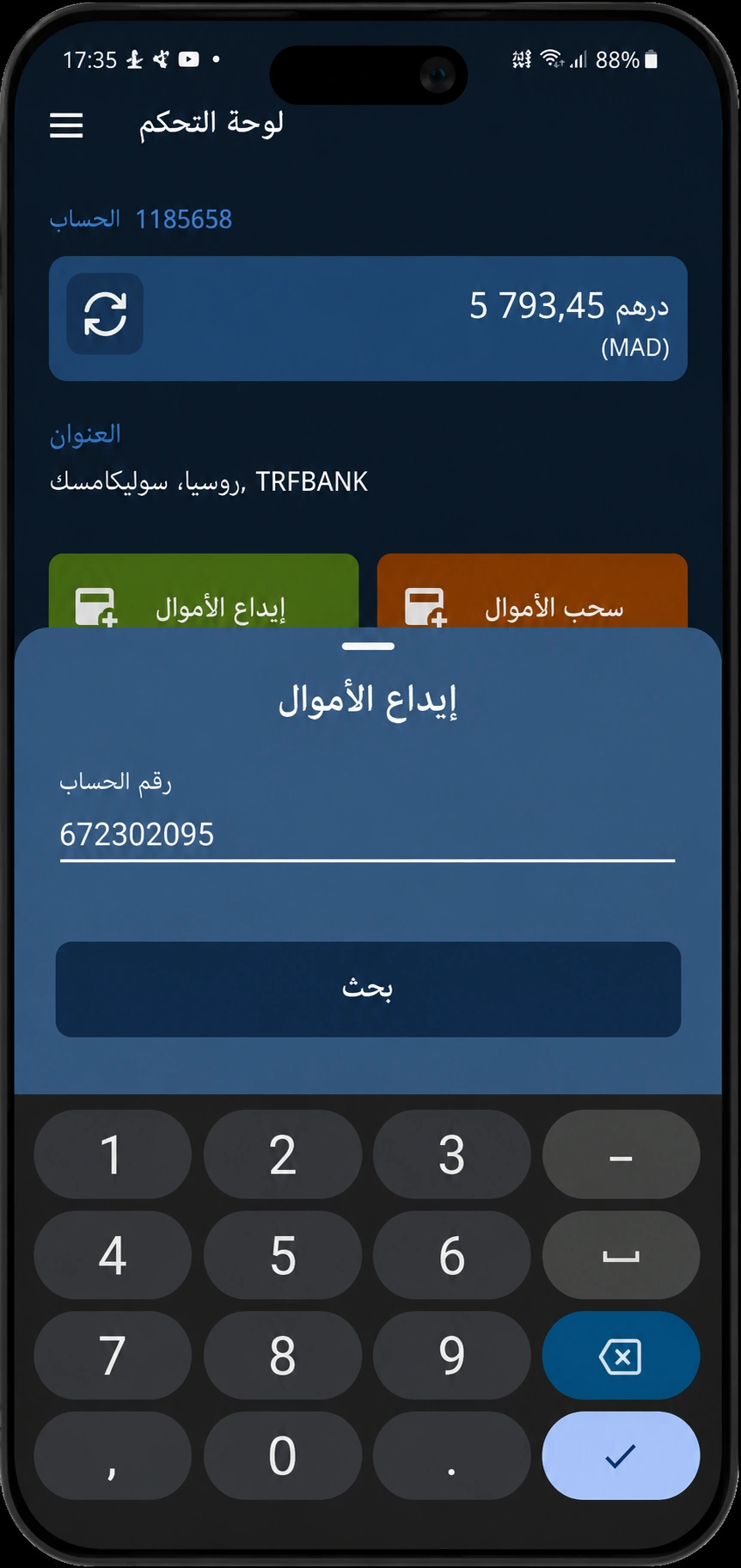
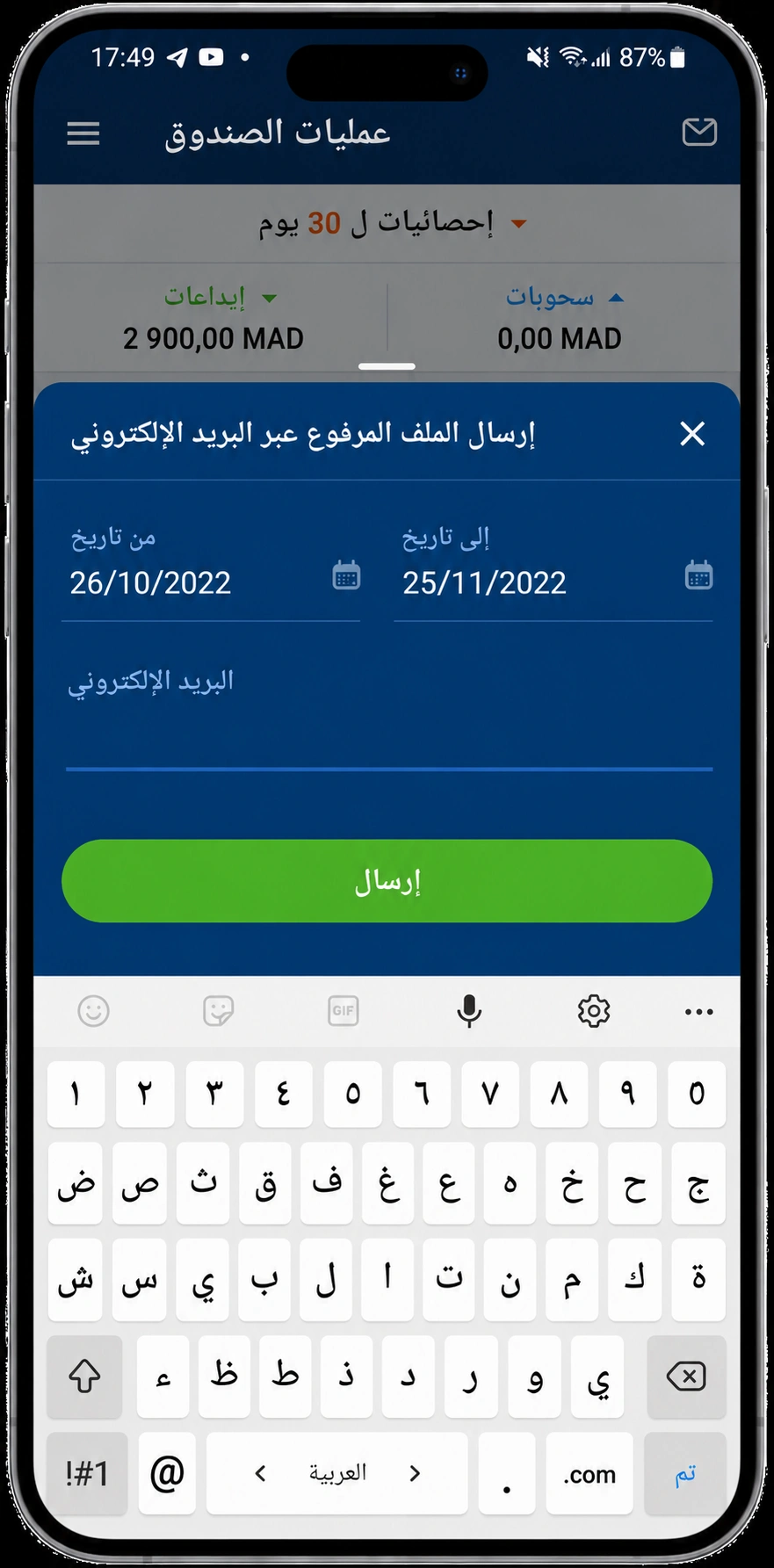
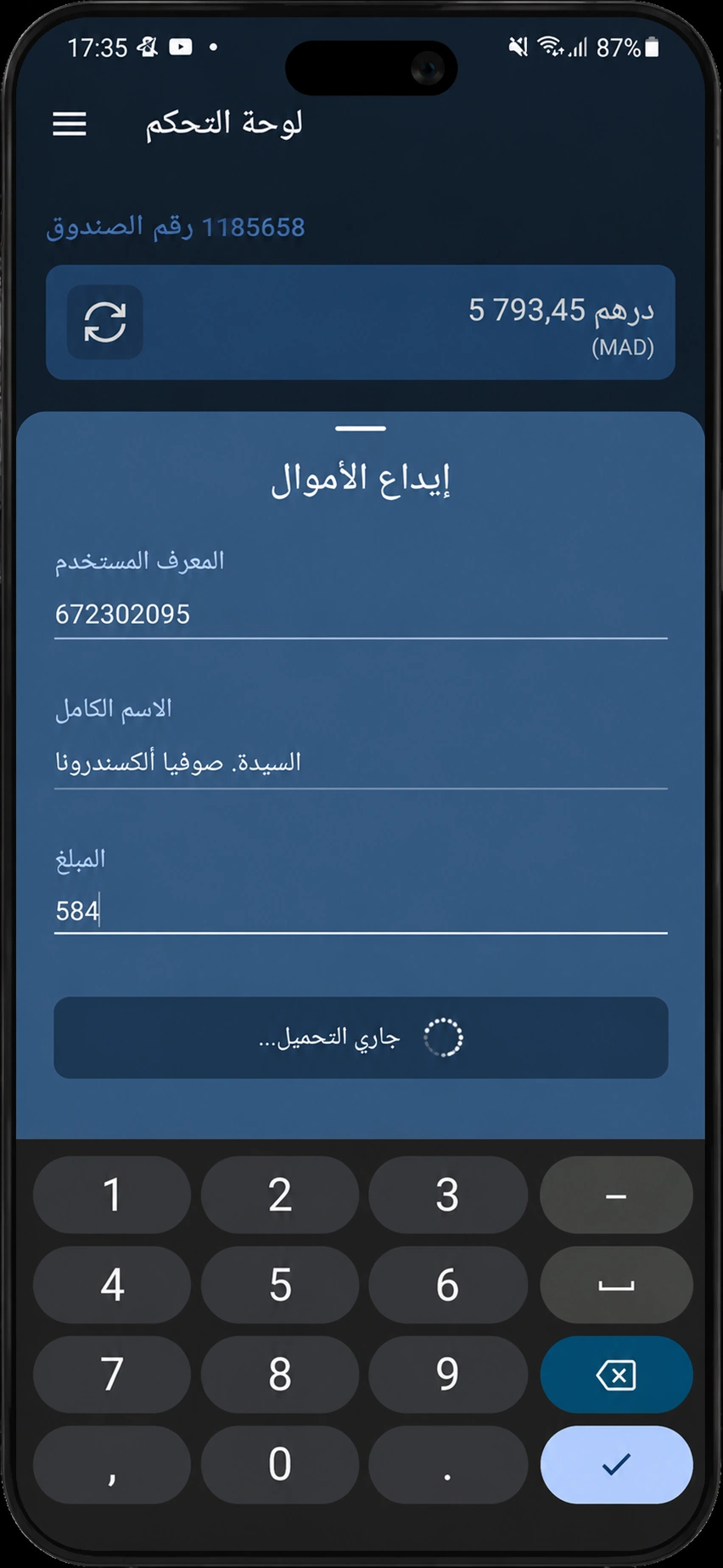
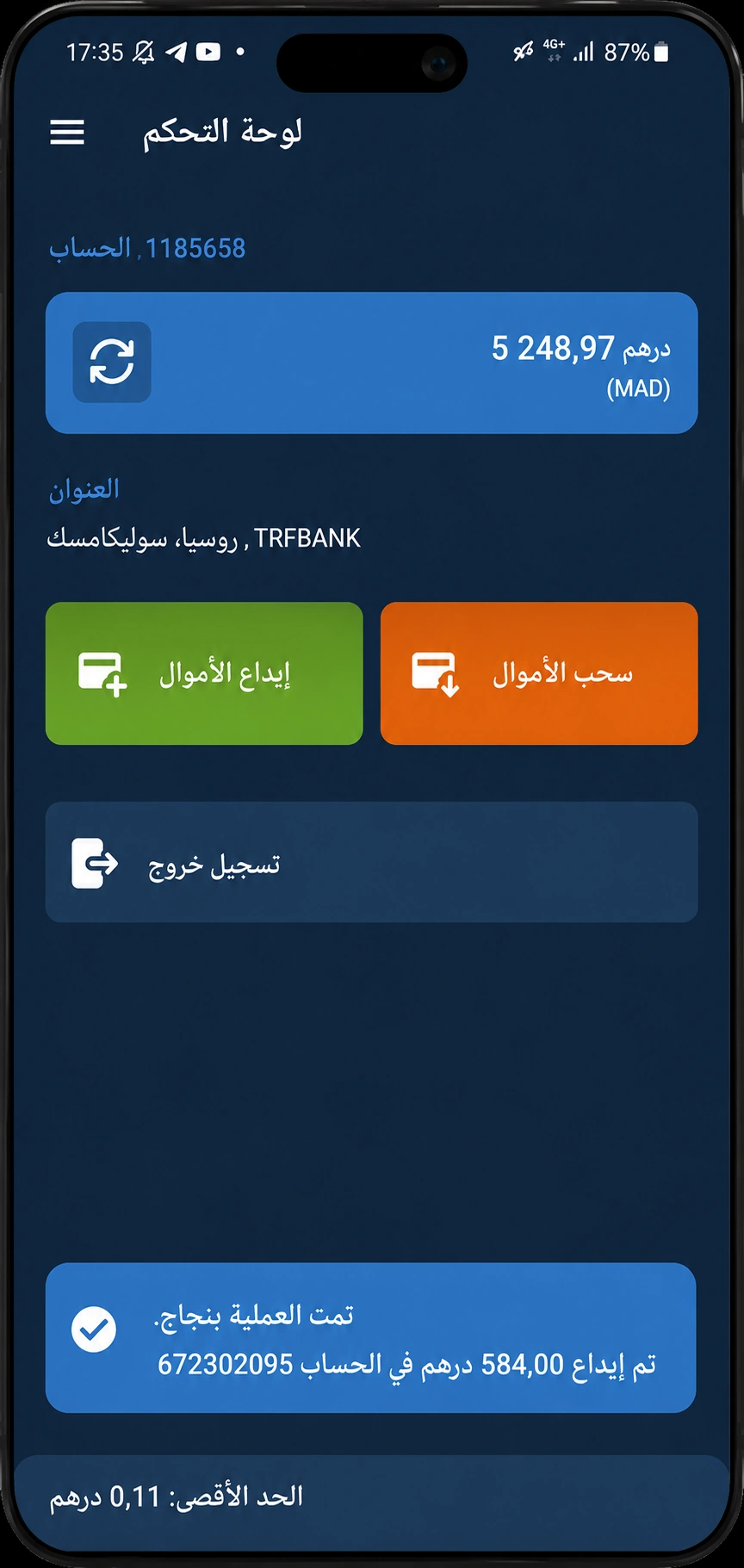
Technical Specifications & Details
System Requirements
| Component | Minimum Specification | Status |
|---|---|---|
| Android 5.0 (Lollipop) or later | Required | |
| At least 50 MB of available space | Required | |
| 1 GB of RAM or more | Required | |
| Stable connection (Wi-Fi, 4G / 5G) | Required | |
| 720×1280 pixels or higher | — Recommended |
Installation Guide — Enable Unknown Sources on Android
By default, Android restricts installing apps from outside Google Play to protect your device. To install the MobCash APK, you only need to allow "Unknown sources" in your security settings. Follow these simple steps:
Download the APK file
Tap the "Download APK" button at the top of the page. The file is saved directly to your Downloads folder. The app is only 5 MB and downloads in a few seconds.
Open Security Settings
Go to Settings → Security (or Privacy / Data protection depending on your phone brand). On Samsung or Xiaomi, open Additional settings → Install unknown apps.
Allow the Installation
Android 8.0 and above: Choose your browser (e.g. Chrome or Firefox) from the list and enable "Allow from this source".
Android 7.0 and below: Simply turn on the "Unknown sources" switch and confirm.
Install the App
Open the APK file from your Downloads folder or from the notification bar. Tap "Install", wait a few moments, then tap "Open".
Sign In & Activate Your Account
Launch MobCash and enter the credentials provided by your supervisor. Make a first deposit of $50 working capital to activate your cashier terminal and start processing your first transactions.
Key Features of the Control Panel
The MobCash app is a complete console built for official agents and cashiers of the international 1xBet network. It lets you process customer deposits and withdrawals smoothly, securely and instantly, straight from your mobile phone.
Capital and Balance Management
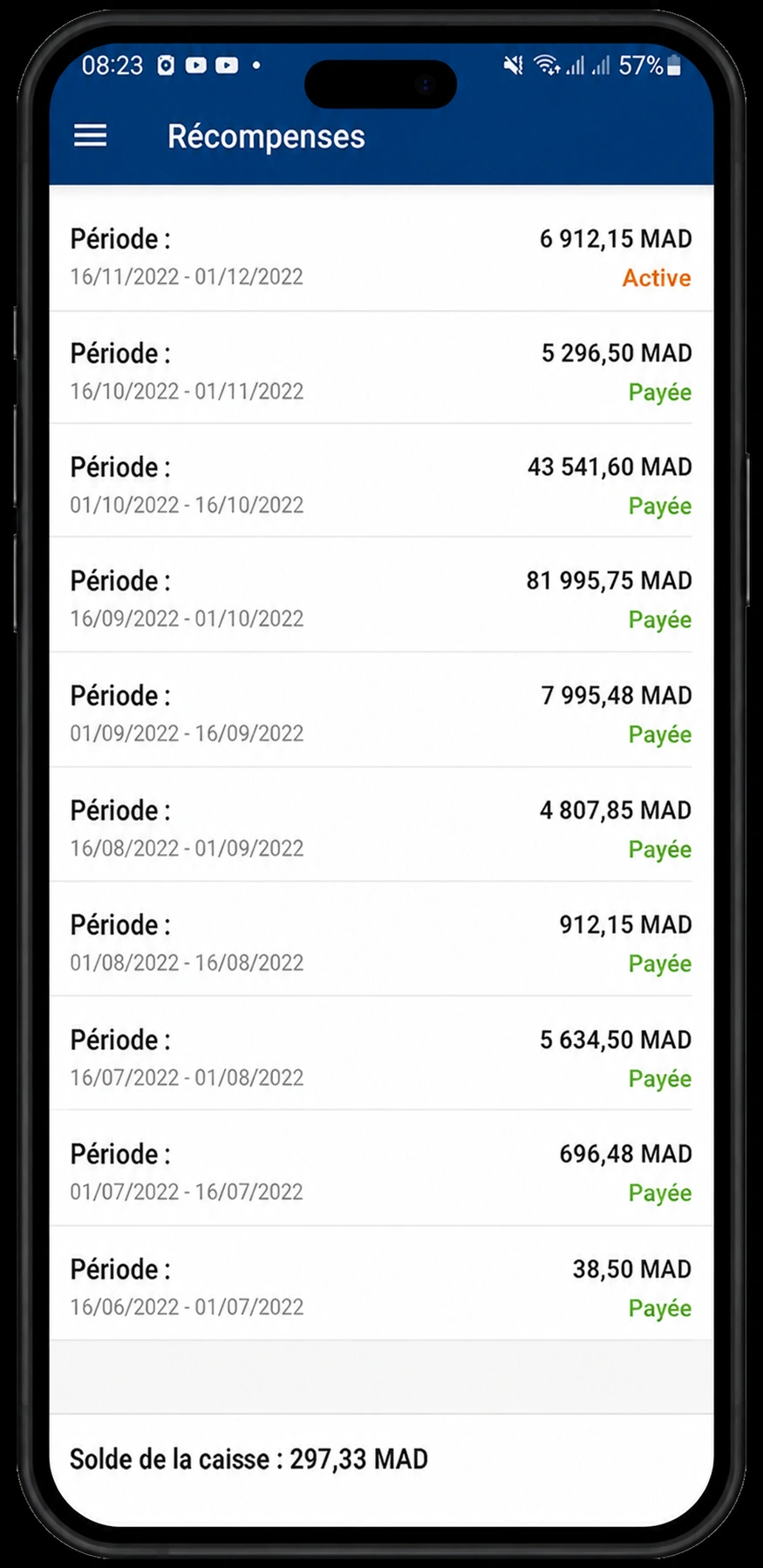
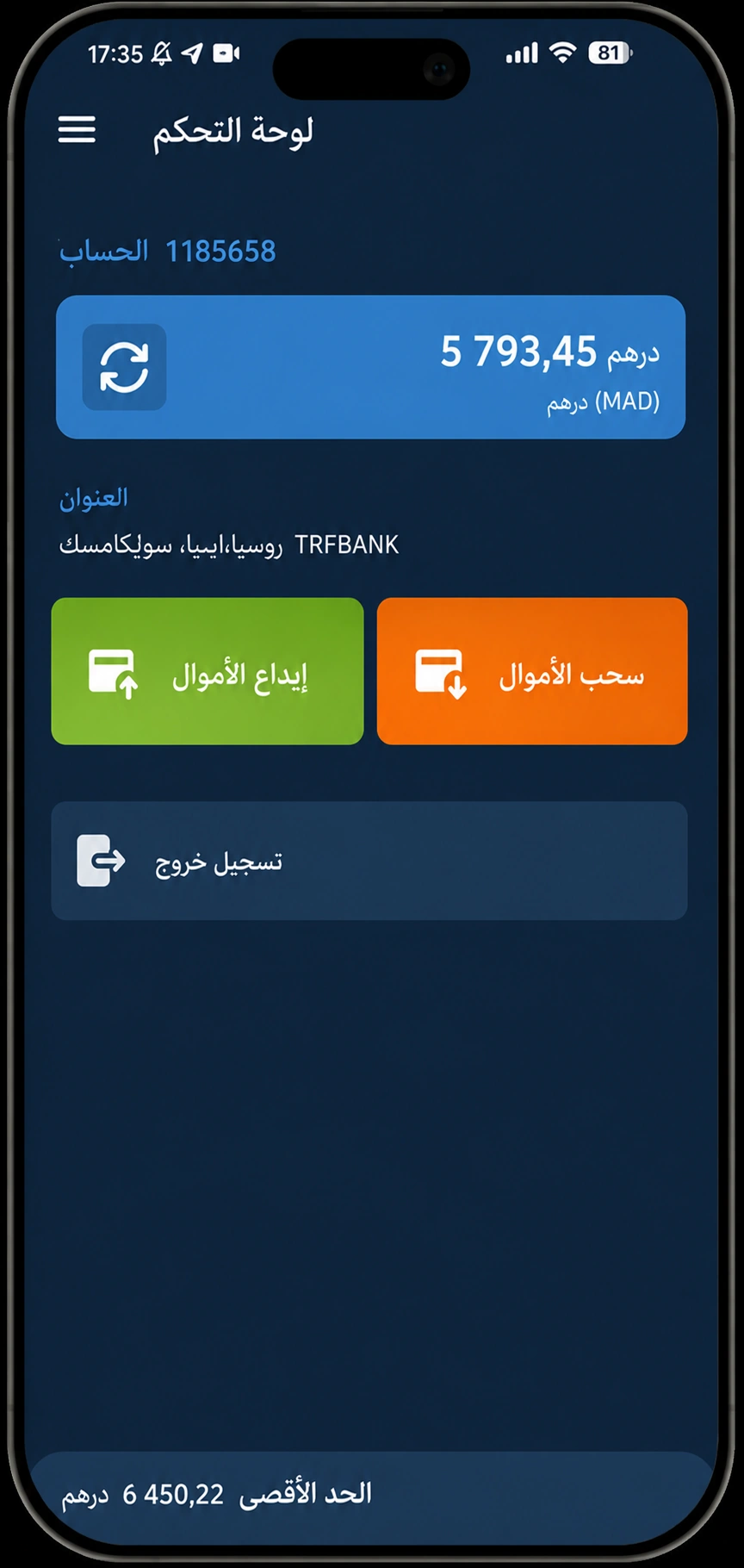
Full control over your operating balance. Real-time sync, a complete history of top-ups and withdrawals, and automatic alerts on every movement. Track your capital around the clock with a precise breakdown of the commissions you have earned.
Live Operations Tracking
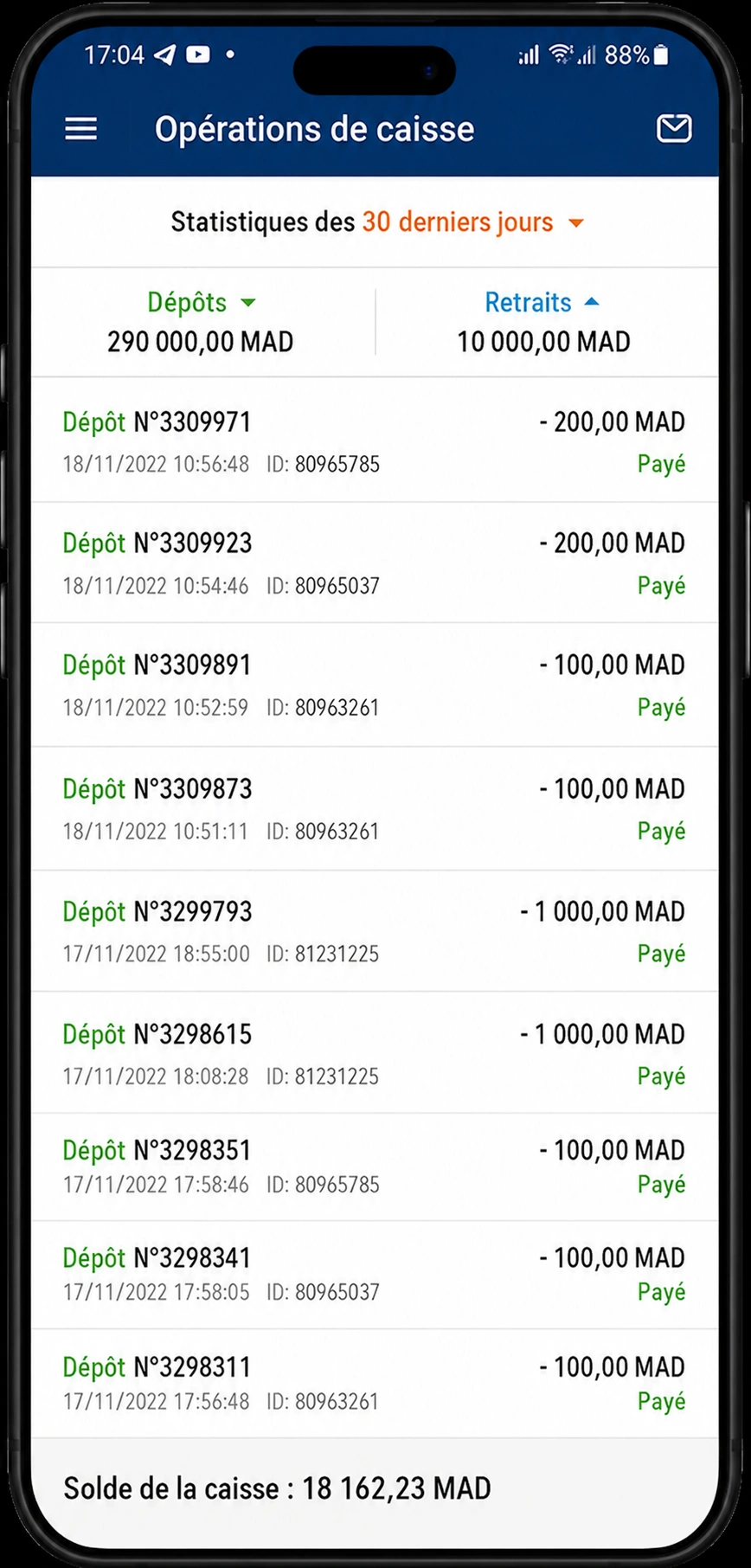
A comprehensive transaction log with advanced filters by type (deposit or withdrawal), date and amount. Every operation includes the transaction ID, the player account, the exact timestamp and the execution status.
Detailed Financial Reports
Generate commission and turnover statements for any period you choose. Visual dashboards show your daily, weekly and monthly volumes so you can optimize your profitability.
Instant Push Notifications
Get notified the second a player submits a deposit or withdrawal request. Approve and process transactions in one tap to deliver ultra-fast service and keep your customers loyal.
High-Level Security
End-to-end TLS 1.3 / 256-bit SSL encryption guarantees strict confidentiality of financial exchanges. Multi-layer protection and automatic security logout. Verified 100% malware-free on VirusTotal (0/70).
24/7 Supervisor Support
Built-in direct messaging with your supervisors and technical support. Quick answers to your financial questions and ongoing guidance to grow your agent business.
Earn Daily Income with MobCash
MobCash is the official partner of 1xBet — a global brand with over one million active users in more than 40 countries. Join our network of certified agents and earn attractive commissions on every financial operation you process from your smartphone.

Interactive MobCash Agent Earnings Calculator
Estimate your daily and monthly net earnings based on your expected business volume, number of operations and market.
Countries of Operation & Financial Terms
Check commission rates, the initial capital required and the special commercial terms that apply in partner Arab countries and associated markets.
| Country | Currency | Agent Commission | First Deposit | Special Terms | Calculate Earnings |
|---|---|---|---|---|---|
|
Morocco
|
MAD (DH) | 8% / 2% | $50 | 1st dep from $50 until 30.09 (then $100) · Commission 8% / 2% | |
|
Tunisia
|
TND (DT) | 8% / 2% | $50 | 1st dep $50 · Commission 8% dep / 2% wth | |
|
Mauritania
|
MRU | 8% / 2% | $50 | 1st dep $50 · Commission 8% dep / 2% wth | |
|
Syria
|
SYP (LS) | 8% / 2% | $50 | 1st dep $50 · Commission 8% dep / 2% wth | |
|
Jordan
|
JOD (JD) | 8% / 2% | $50 | 1st dep $50 · Commission 8% dep / 2% wth | |
|
Iraq
|
IQD | 8% / 2% | $50 | 1st dep $50 · Commission 8% dep / 2% wth | |
|
Algeria
|
DZD (DA) | 8% / 2% | $50 | 1st dep $50 · Commission 8% dep / 2% wth | |
|
Lebanon
|
LBP (LL) | 8% / 2% | $50 | 1st dep $50 · Commission 8% dep / 2% wth | |
|
Yemen
|
YER | 8% / 2% | $20 | 1st dep from $20 until 30.09 (then $50) · Commission 8% / 2% | |
|
Saudi Arabia
|
SAR | 8% / 2% | $50 | 1st dep $50 · Commission 8% dep / 2% wth | |
|
Bahrain
|
BHD (BD) | 8% / 2% | $50 | 1st dep $50 · Commission 8% dep / 2% wth | |
|
Egypt
|
EGP (LE) | 8% / 2% | $50 | 1st dep $50 · Commission 8% dep / 2% wth |
Commission Structure & Rate Table
| Operation Type | Practical Example | Commission Rate | Net Profit |
|---|---|---|---|
| Deposit Processing (Instant Earnings) | Player deposit of $300 | 8% | $24 |
| Withdrawal Processing (Additional Income) | Player withdrawal of $500 | 2% | $10 |
| First Month (Launch Phase) | ~5 to 7 operations per day | Average initial activity | $600–$1000 / month |
| Monthly Volume of $30,000 | Cumulative monthly turnover | Accumulated commissions | $2,400 |
| Network Expansion (After 1 year) | Coordinating 10 to 15 sub-agents | Bonus on network volume | $5,000 – $8,000 / month |
* The $50 working capital is not a membership fee: it stays fully on your operating balance to execute operations and is 100% refundable at any time. Estimates are based on an average monthly volume of $15,000.
How MobCash Works — 4 Activation Steps
Registration and activation take less than 15 minutes. Follow these steps to start as a licensed MobCash agent:
Download the APK file
Download the MobCash app from the official website mobcash.org. File certified 100% safe by VirusTotal (0/70 threats).
Contact Your Supervisor
After installing, contact your assigned supervisor to get your login credentials and operating guidelines.
Quick Training
Your supervisor will walk you through using the cashier terminal and approving deposits and withdrawals instantly.
Fund Your Working Capital
Deposit $50 of working capital to activate your account. These funds stay on your account to fulfil your first customer requests.
Real-World Examples of Financial Operations
Example: Processing a Deposit (Instant Earnings)
A player requests a deposit of $300. You confirm the operation on your MobCash dashboard. The amount is deducted from your working balance and credited immediately to the player's account.
Your instant earnings: 8% = $24
Example: Processing a Withdrawal (Additional Earnings)
A player requests to withdraw $500 of their winnings. You make the payout (cash or local transfer). The amount is automatically returned to your MobCash balance.
Your commission: 2% = $10
Frequently Asked Questions (FAQ)
MobCash is the official mobile app for managing operations for partner agents and cashiers of 1xBet — a major international brand with more than one million users in over 40 countries. The app works as a complete cashier terminal that lets you manage your balance, process player deposits and withdrawals and access your financial reports. Agents earn 8% commission on every deposit and 2% on every withdrawal processed.
A parse error most often happens for one of these reasons: 1. Corrupted or incomplete APK file: delete the file and download it again from mobcash.org. 2. Incompatible Android version: make sure your device runs Android 5.0 or higher. 3. Not enough space: free up at least 50 MB of memory. 4. Browser: download the file using Google Chrome.
New official versions are always published on the official website mobcash.org. The current version is 12.1.0 (August 2026). An automatic notification appears directly in the app as soon as an update is available, or you can ask your supervisor for the direct link.
Yes, the MobCash app is 100% secure. All transmitted data is protected with state-of-the-art TLS 1.3 / 256-bit SSL encryption. Every build is thoroughly audited by VirusTotal (0 threats across 70 antivirus engines). Never share your passwords and always download the app from mobcash.org.
The starting working capital is only $50. This amount is in no way an entry or license fee: it stays fully on your cashier balance to settle your first operations. You can withdraw it at any time if you decide to stop your activity.
Activation takes 4 simple steps: 1. Download the APK from mobcash.org. 2. Contact your supervisor to receive your access and instructions. 3. Complete the short hands-on training on processing transactions. 4. Fund your account with $50 to activate your terminal and start earning your first commissions right away.
Testimonials & Reviews from Certified Agents
Real feedback from agents and cashiers who manage their financial flows with MobCash every day:
"A remarkable and completely reliable app. I started three months ago with modest capital and now I earn very regular daily income. Withdrawals are fast and my supervisor is highly professional."
"The app is light and smooth, even when the network is slow. Commissions are clear, transparent and paid instantly after every operation. An excellent business opportunity."
"The ideal solution for cashiers. The support team is available and explains every step precisely. Profitability is immediate. Thanks to MobCash for its professionalism and transparency."
Download MobCash and Start Your Business
Join more than 750,000 agents around the world. Start with $50 of working capital and earn attractive commissions on every operation processed through the official app.
Download MobCash APK for FreeVersion 12.1.0 · 5 MB · Android 5.0+ · 100% Safe & Certified